Showing posts with label LA. Show all posts

Monday, November 4, 2013

Start Simple!

Learning to use the camera app is a great place to start when learning about the power an iPad can play in learning process.

This past month I have begun working with three classrooms who have never really used an iPad before. In my new school we have only had 5 iPads and have not used them a great deal to create knowledge. Last month we borrowed 10 iPads from our Outreach program provided by the CBE ILC (Innovative Learning Commons). 

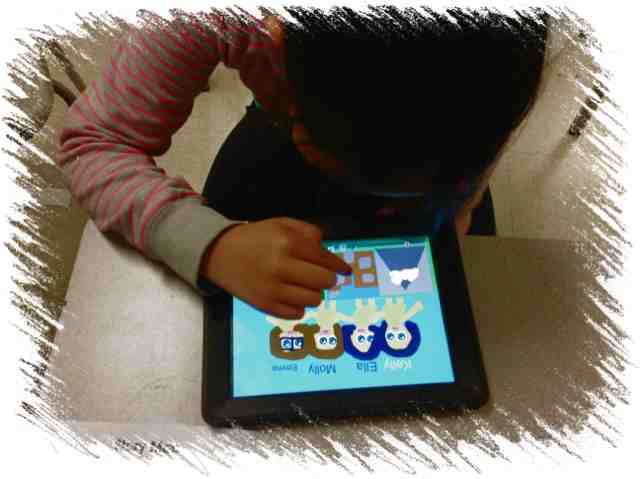
I thought, what better way to begin using these devices than to use the camera app to take some photos around the school. Here's a snippet of what the three different classrooms did.

Graphemes Around the School

This grade 1 class used the iPad to take photos of letters (graphemes) that they could find around our building. Of course this was an easy task but a great one for students to get excited about finding the different letters they were learning about. 

We created our own success criteria from holding the device to taking the photo, and also to deleting images that weren't worthy of being downloaded.

After we gathered all the photos (which I downloaded from each iPad and then shared to our community folder) we talked about which images were good photos and which weren't so good and why that was.


Once all images were accessible from our server, the students then wrote their names (in Comic Life) using the different letters everyone in the class had found. 


Numbers Around Us

This grade one class put a spin on what they would take photos of. They went out around the school building to find different numbers they recognized. This proved more challenging as they found many numbers they could not recognize.


I downloaded the photos, as I did for the letters group. Once we had sorted them them somewhat, students were to choose numbers that were meaningful to them and then create an info graphic based on there chosen numbers. 


Colour, Colour Everywhere!

The kindergarten students took photos of different colours around our school. 

Once all photos are gathered in the same manner as above (we have not finished this project yet), we will use comic life again to share our work. We plan on adding photos and the names of each colour to a document then comparing to each other and building on to it further from there.

More to come on this project!

Saturday, May 25, 2013

Creating Stories - Making eBooks

Some students really struggle with narrative writing. Some struggle with writing in general. 

This week I began working with a class to create some interest around writing stories. We used technology to help us create our own picture books. Some students chose to find and use pictures from the Internet. Some choose to draw their pictures using the Doodle Buddy App. Some used Tux Paint (on the computers). Some even created their characters using a Minecraft Skin creator (www.minershoes.com). Once pictures and plans were created, we used Book Creator to compile and write the story.
This particular class is often unmotivated to work but once we introduced this innovative way to write a story, the attitude changed ten-fold! We found almost everyone of the students in this class were/are engaged throughout this writing process.

Not perfect!

These stories are certainly not going to be perfect narratives but this was an excellent way we could get them to buy-in to the writing process and begin to show some interest. From here, we plan to take it a step further and create some success criteria for writing a story. At that point, we can work on improving their writing.


The Process

The students were to plan their story with your typical mind-map style graphic organizer. Then they worked on planning the sequence of events. Once these were completed they started working on the making and compiling part.

Doodle buddy - Those that chose this app, drew their pictures then saved to the camera roll. The images could then be imported into Book Creator.


Tux Paint - Those that chose Tux Paint on the computer would draw their pictures in Tux Paint,  then export the image to their Google Drive, then - A fairly easy process once you've done it a couple of times. 


Minecraft Skin creator - These students created their [Minecraft looking] character then took a screen-shot of the finished person. They then uploaded to their Google drive, logged into Google drive on the iPad and then imported into Book Creator. There was also an option to then import Minecraft character into Doodle buddy to add more details or accessories to their character.

The interesting thing about using this website was that a lot of students who decided to find and copy their characters from Google changed their mind and began creating/making their own characters. What an amazing way to utilize a 'gaming' website.


The books are still a work in progress so will try to post more pictures as we go.