QR Codes are everywhere now. On Buses, real estate signs, in brochures, on cereal boxes, anywhere a company can possibly advertise, you'll find them.
 As most probably know, by scanning a QR code, you can be linked to a variety of resources. QRstuff.com has the following options for creating QRs (see image).
In our school, we have begun to explore the possibilities of using QR Codes to help us share what we know, or what we have learned.
I personally have used QR codes in our school building to promote and share.


In a grade 4 and 6 class we have recently started looking at how QR codes could be used in our learning. We have begun by creating QR codes to share an idea or thought. What we discovered was that the QR codes actually inspired kids to read what other people had written.


 As most probably know, by scanning a QR code, you can be linked to a variety of resources. QRstuff.com has the following options for creating QRs (see image).
In our school, we have begun to explore the possibilities of using QR Codes to help us share what we know, or what we have learned.
I personally have used QR codes in our school building to promote and share.
Promotion:
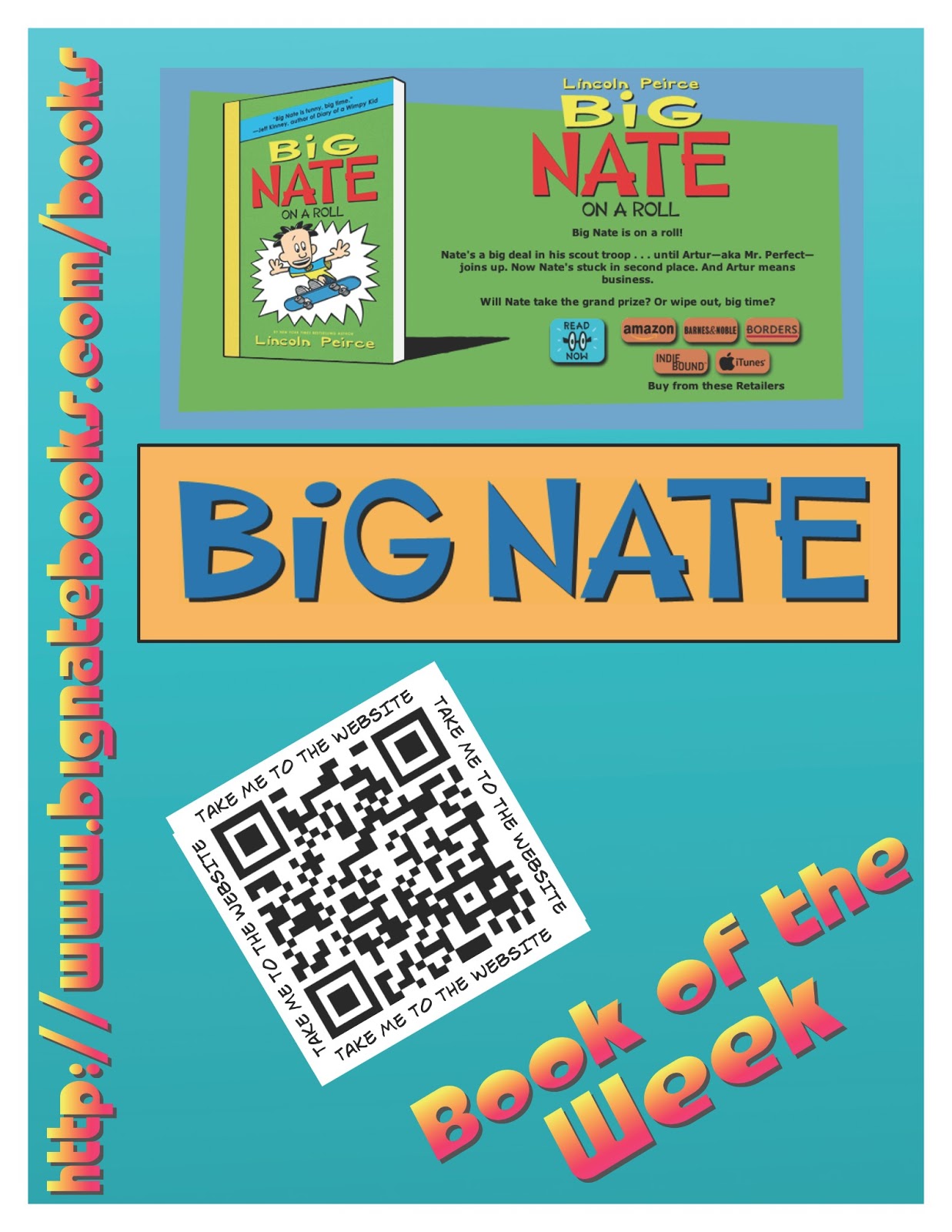
In our learning commons, we promote books that we think our students might like. Through a Google form, we ask students to share their favourite book and from those results, we choose our book of the week. A poster is then created to share the book. We will often have a link to a website about the book, or author or other multimedia that our students might find interesting. See the images below for our posters.Sharing:
We recently made a display up in our school to share the innovative ways we use technology to help us learn. On the display, we have put a number of QR codes that link to blog posts about particular Apps or projects we have done.


In a grade 4 and 6 class we have recently started looking at how QR codes could be used in our learning. We have begun by creating QR codes to share an idea or thought. What we discovered was that the QR codes actually inspired kids to read what other people had written.

The next project these classes will do will be as follows:
Grade 4 - 'Book Review'
We will work on choosing a our favourite books and then make a video using iMovie based on hand drawn pictures, cover shots, and video interviews. Students will then share their video with me and in turn I will upload it to our CBE project server. Once uploaded we will access URL and then create the QR code t share. This will link book reviews directly with the book on the shelf. Users will need to be connected to the Internet in order to activate the video online.
Grade 6 - Audio Gallery
In this class we will be recording audio (either short stories, or poetry of some kind). Once Audio files are created using either GarageBand for iPad or Voice Recorder for iPad.


We will upload our voice recordings to the project server as in the prior project. Once there, we will create the QR code and then make a Audio Gallery on a bulletin with in the school. This will be a great way to share our work with parents at upcoming parent/teacher conferences.
I will update the photos of display and links to QR when we are further along in the project.

